Photoshop vs Illustrator vs Canva: Which Design Tool Should You Use?
One of the most common questions from new graphic designers and business owners getting into design is deceptively simple: which tool should I use? The answer depends entirely on what you are designing, your budget, your skill level, and your workflow requirements. Choosing the wrong tool for a project does not just waste time — it can produce results that are technically inferior to what the right tool would produce, regardless of the designer’s skill.
This comprehensive comparison covers Adobe Photoshop, Adobe Illustrator, and Canva — the three tools that collectively cover the vast majority of graphic design work produced today. We will break down what each tool is genuinely best at and give you a clear framework for making the right choice every time.
Adobe Photoshop: The King of Pixel-Based Editing
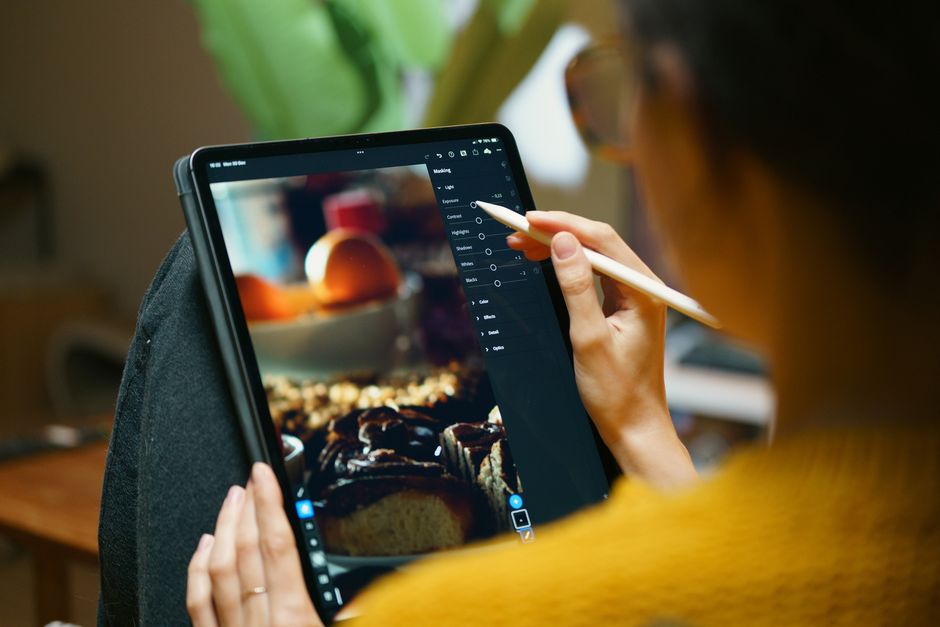
Photoshop is the industry standard for any work that involves photographic images, pixel-based artwork, or raster graphics. It is the right tool for photo retouching and manipulation, compositing (combining multiple images into a single scene), creating mockups with photorealistic detail, digital painting and illustration, texture creation, and any work that requires precise control over individual pixels. Photoshop is not the right tool for designing logos (these need to be vector-based) or creating clean typographic layouts for print.
Adobe Illustrator: The Essential Vector Tool
Illustrator works with mathematical vector paths rather than pixels, meaning designs created in Illustrator can be scaled to any size — from a business card to a billboard — without any loss of quality. It is the essential tool for logo design and brand mark creation, illustration and icon design, typography-heavy layouts, infographics, and any design that will be reproduced at multiple sizes or in print. Professional designers consider Illustrator fluency non-negotiable for serious client work.
Canva: Accessible Power for Speed and Volume
Canva is a browser and app-based design tool that sacrifices some professional control for dramatic ease of use and speed. It is the right tool for creating social media content at high volume, presentations and simple slide decks, marketing materials for non-designers, quick mockups for client presentations, and content that needs to be created by non-designers on your team. Canva is not the right tool for complex print design, brand identity creation, or any work requiring precise technical output.
When to Use Each Tool
Use Photoshop when you are working primarily with photographs, when you need realistic compositing effects, or when you are creating digital art or textures. Use Illustrator when you are designing logos, icons, or illustrations, when your work needs to be scalable to any size, or when you are creating clean vector-based print layouts. Use Canva when speed is the priority over perfection, when non-designers need to edit designs after you create them, or when you are producing high volumes of social media content.
The Professional Workflow: Using All Three
The most efficient professionals use all three tools and move between them based on what each project stage requires. They might design a logo in Illustrator, create a brand mockup in Photoshop, then export both into Canva to create a full social media template set that their client can edit themselves. Understanding the strengths of each tool and how they complement each other is what separates an efficient professional from a one-tool designer.